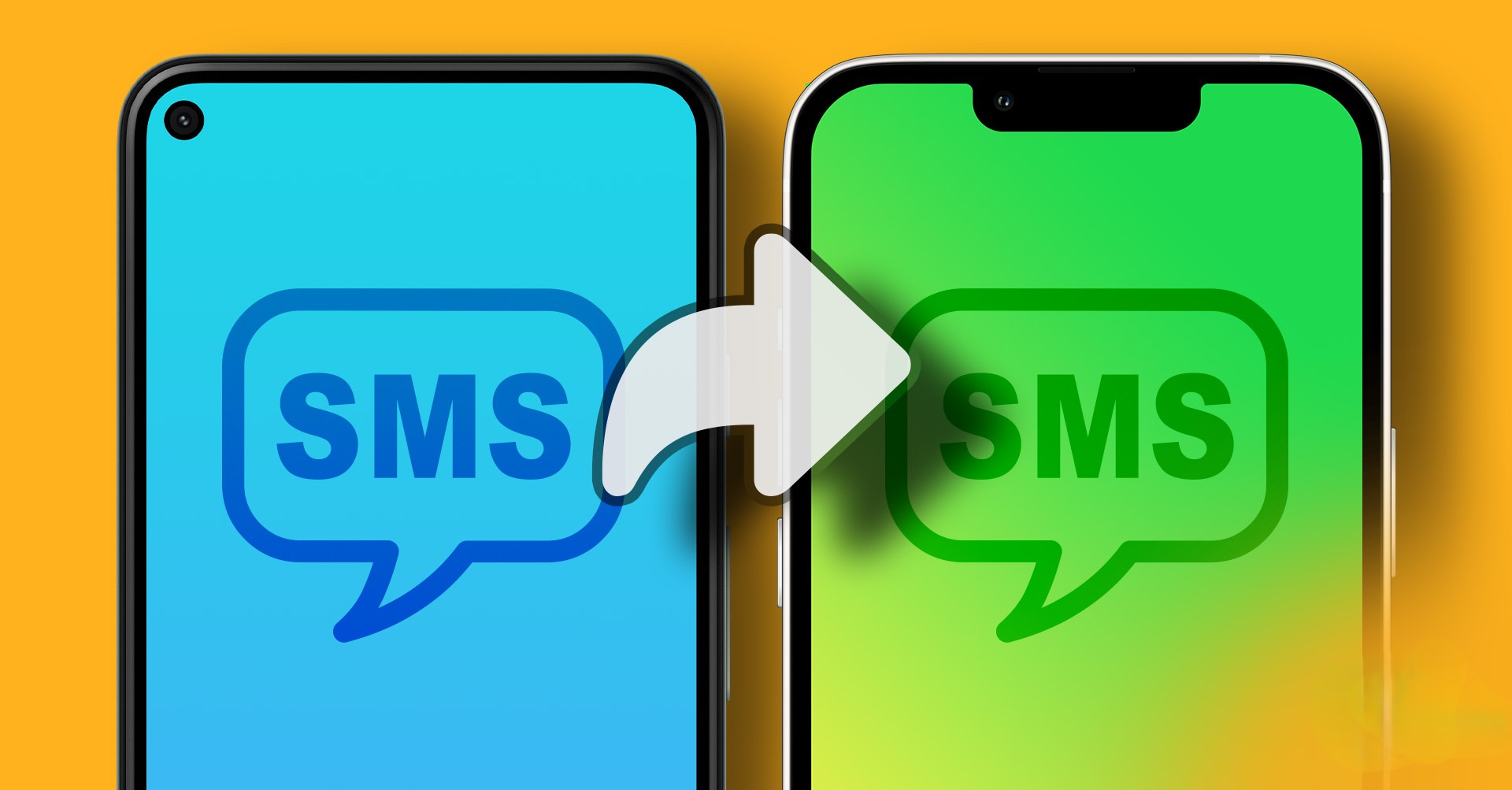
In our hyper-connected world, important information flows through our smartphones constantly. Whether it's a two-factor authentication code, a critical work update, or a personal message, being tied to a single device can be a significant inconvenience. Imagine being deeply focused on your computer, with your phone in another room, and missing a time-sensitive text. This is a common frustration that a simple, clever tool can solve. The "SMS Forwarder" app, developed by Zerogic Inc., offers a robust solution to this problem, allowing you to automatically forward and synchronize your SMS messages and push notifications to multiple devices, including your PC and other phones .
What is SMS Forwarder and How Does It Work?
At its core, SMS Forwarder is an automation tool designed to bridge the gap between your Android device and your other digital touchpoints. Once installed and configured, it acts as a silent, efficient messenger. It receives an SMS or notification and instantly forwards it to a destination of your choice. This could be an email address, another phone number, a Webhook URL, a Telegram bot, or a Push Service ID . The setup is built around a system of filters and rules, giving you granular control over exactly what gets sent where.
The process is remarkably straightforward . You begin by creating a "filter" which is essentially your forwarding rule. You specify the recipients—this could be one or multiple destinations like your work email and your personal tablet. You can then add conditions, such as specific keywords in the sender's number or the message body, to ensure only relevant messages are forwarded. For example, you could create a filter to only forward messages from your bank's shortcode. Alternatively, you can leave these fields blank to forward every incoming message. Finally, you can even customize the template of the forwarded message to fit your needs, ensuring the information is presented cleanly at its destination .
Key Features That Make It Powerful
The true strength of SMS Forwarder lies in its flexibility and comprehensive feature set. It's not just a simple "copy and paste" tool; it's a sophisticated communication hub.
- Multiple Recipient Support: You aren't limited to a single destination. You can forward the same message to your email, a colleague's phone, and a Telegram chat simultaneously, ensuring your team or all your devices stay in the loop .
- Advanced Filtering Options: This is a crucial feature for managing information overload. You can create highly customized filters based on keywords or specific sender numbers. This means your work-related messages can go to your work email, while personal messages stay on your phone .
- Versatile Forwarding Destinations: The app provides a wide array of destinations, including full support for Gmail and even custom SMTP servers for email forwarding. It also integrates with popular services like Telegram and can send data to a web server via a Webhook URL .
- Dual SIM Support: For users with phones that have two SIM cards, the app supports dual SIM settings. You can configure forwarding rules for each line independently, which is perfect for separating work and personal numbers .
- Scheduled Forwarding: Control when forwarding is active. You can set specific operation times, like only forwarding messages during your working hours. This prevents notifications from disturbing you during off-hours or meetings .
- Backup and Restore: The app allows you to easily back up your complex filter configurations. This is a lifesaver when you switch to a new phone, as you can simply restore your settings without having to rebuild all your rules from scratch .
A Critical Caution: A Note on Security
It is vital to address a prominent and serious warning included by the app developer: If someone else has instructed you to install this app, please be very careful. It may be part of a scam or fraudulent activity. Never forward your messages to unknown recipients .
This warning is displayed prominently for a reason. Scammers often trick victims into installing such apps to intercept one-time passwords (OTPs) for banking or email accounts. By forwarding SMS messages to a number they control, they can bypass two-factor authentication. You should only use this app for your own legitimate purposes, such as managing your own multiple devices, and you should never share your forwarding rules or sensitive verification codes with anyone else.
Privacy and Data Security: Your Messages Stay Local
Given the sensitive nature of SMS messages, especially those containing authentication codes, privacy is a paramount concern. The developer's policy on data handling is clear and designed to build trust. According to the app's data safety section and developer statements, SMS Forwarder does not store your SMS messages or contacts on any external servers . All processing is performed locally on your device.
This "on-device" approach means your personal data never leaves your phone except to be forwarded to the destination you have explicitly chosen and configured. If you uninstall the app, all associated local data is permanently deleted from your device. However, the developer advises ensuring you delete your push service account within the app before uninstalling to properly de-register it. While this local processing is a strong privacy positive, the app's data safety label also notes that data isn't encrypted and that some data types may be collected, so it's always wise to review the full privacy policy .
User Feedback and The Reality of "Free"
Like many powerful apps, SMS Forwarder has its share of user feedback. Many users praise its core functionality, with comments like "works perfectly" and "experience is wonderful" . However, a recurring theme in recent reviews points to a significant shift in its pricing model . Users have expressed frustration that the app has moved to a "premium only" or subscription-based model, with one reviewer stating it's "junk software" after becoming a paid app and calling it "borderline useless" without paying . Another review mentions the free version being "buggy" with intrusive and un-closable ads . This feedback highlights an important consideration for potential users: while the app's features are highly regarded, its current monetization strategy (subscription or ads) may be a point of friction.
Is the App Right for You?
SMS Forwarder is an incredibly useful tool for anyone looking to untether themselves from a single phone. It is particularly valuable for :
- Professionals: Who want to receive work-related texts on their computer or a dedicated work device.
- Small Business Owners: Who need to share customer inquiries with a team without revealing personal numbers.
- Travelers: Who might have a local SIM and want to keep their primary number's messages accessible via email.
- Two-Phone Users: Who want to forward messages from a work phone to a personal phone and vice versa.
A Quick Start Guide
If you decide SMS Forwarder fits your needs, getting started is simple. You'll need to grant the necessary permissions (like RECEIVE_SMS, READ_SMS, and SEND_SMS) for the app to function . Then, you'll:
- Create a Filter: This is your forwarding rule .
- Add Recipients: Enter the phone number, email address, or other destination where you want messages sent .
- Set Conditions (Optional): Define keywords to filter which messages get forwarded .
- Customize Template (Optional): Adjust the format of the forwarded message .
Conclusion: A Balancing Act of Power and Practicality
The SMS Forwarder app by Zerogic Inc. is a powerful and flexible tool that effectively solves the problem of managing SMS messages across multiple devices. Its rich feature set, including advanced filtering, multiple recipient support, and a clear focus on local data privacy, makes it a top contender in its category. However, potential users must weigh these benefits against the current user sentiment regarding its monetization model and the critical security warning about its potential for misuse. If you are willing to pay for its premium functionality and use it for your own legitimate device management, it is a robust and reliable solution . Always prioritize security, read the fine print, and ensure you are the one in control of your data.